
A flexible sales floor.
Connect supported mobile checkouts for pop-ups, events and temporary retail locations, with service assigned by store.
Keep supported iPhone and iPad checkout devices connected with SafeRetail POS. We deliver mobile connectivity, application access configuration and tools to manage your store devices.
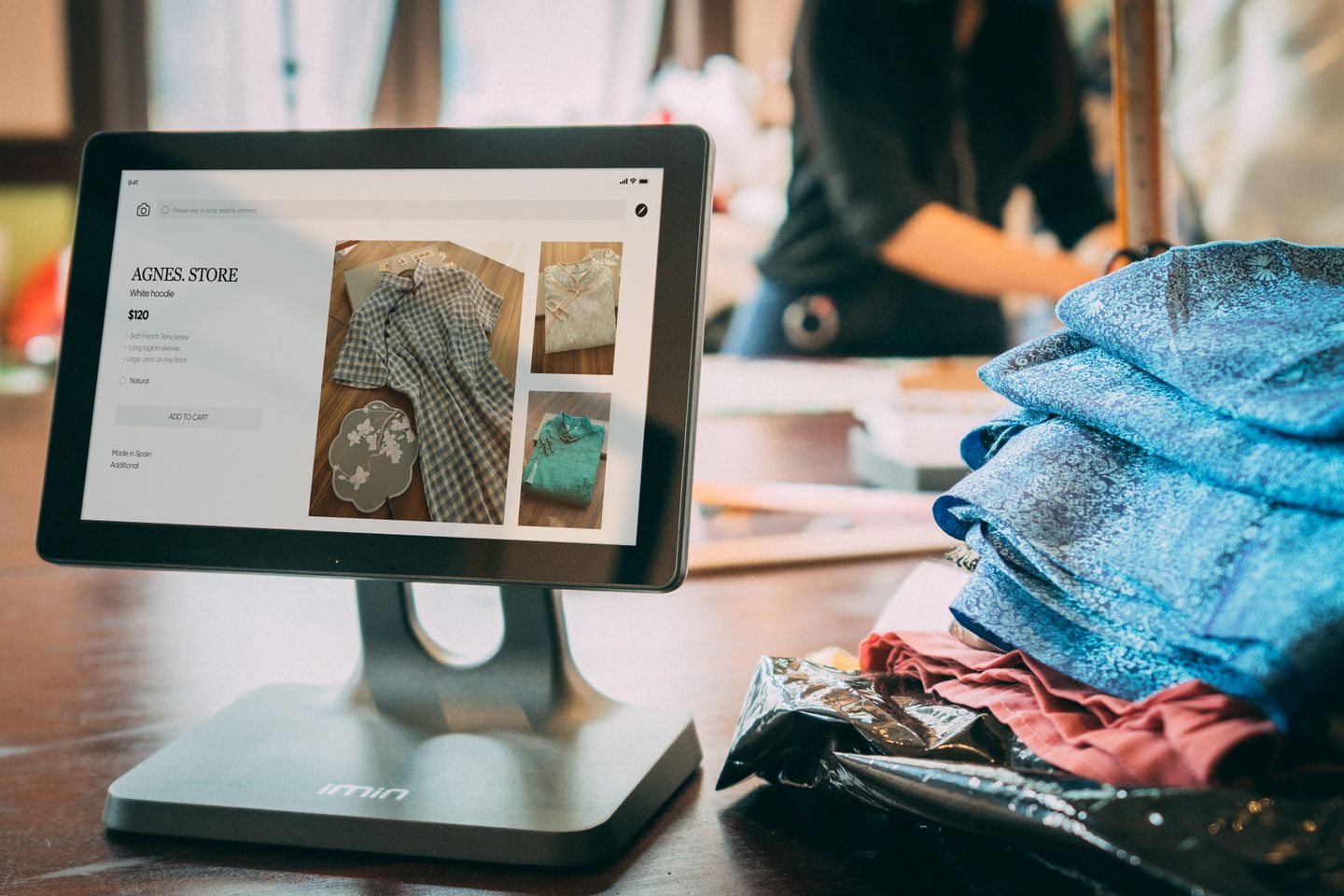
A retailer sets up a temporary location with compatible cellular iPads. SafeRetail connectivity is configured around the POS application and tested before the store opens.
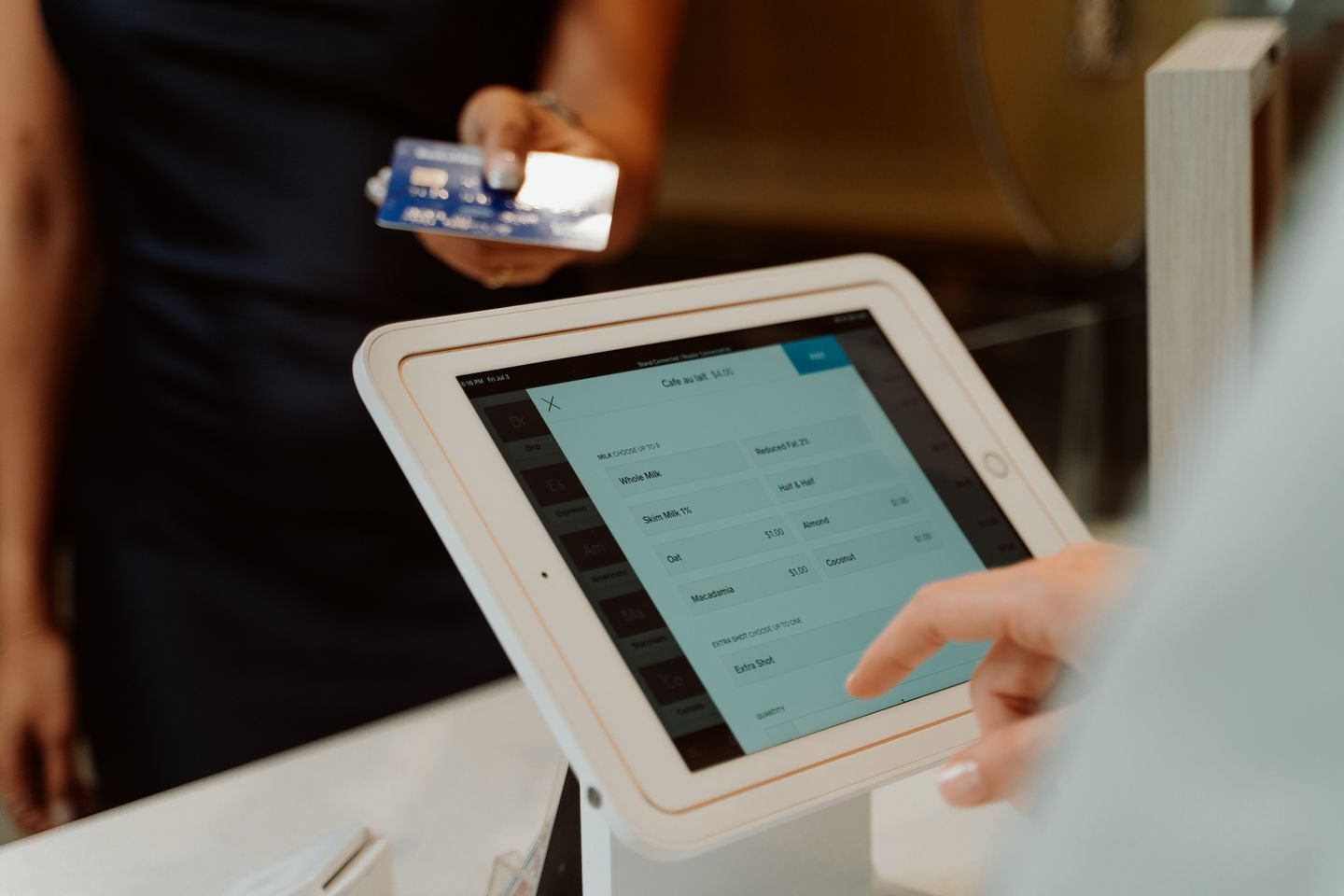
 Your brand. Connected.
Confirm the device models and POS application. Identify the payment, sign-in and supporting services the workflow uses.
Install the supported service, configure application access and test the complete transaction at the location.
Associate each service with a store and device. Review usage and follow the agreed replacement or support process.
Connect supported mobile checkouts for pop-ups, events and temporary retail locations, with service assigned by store.
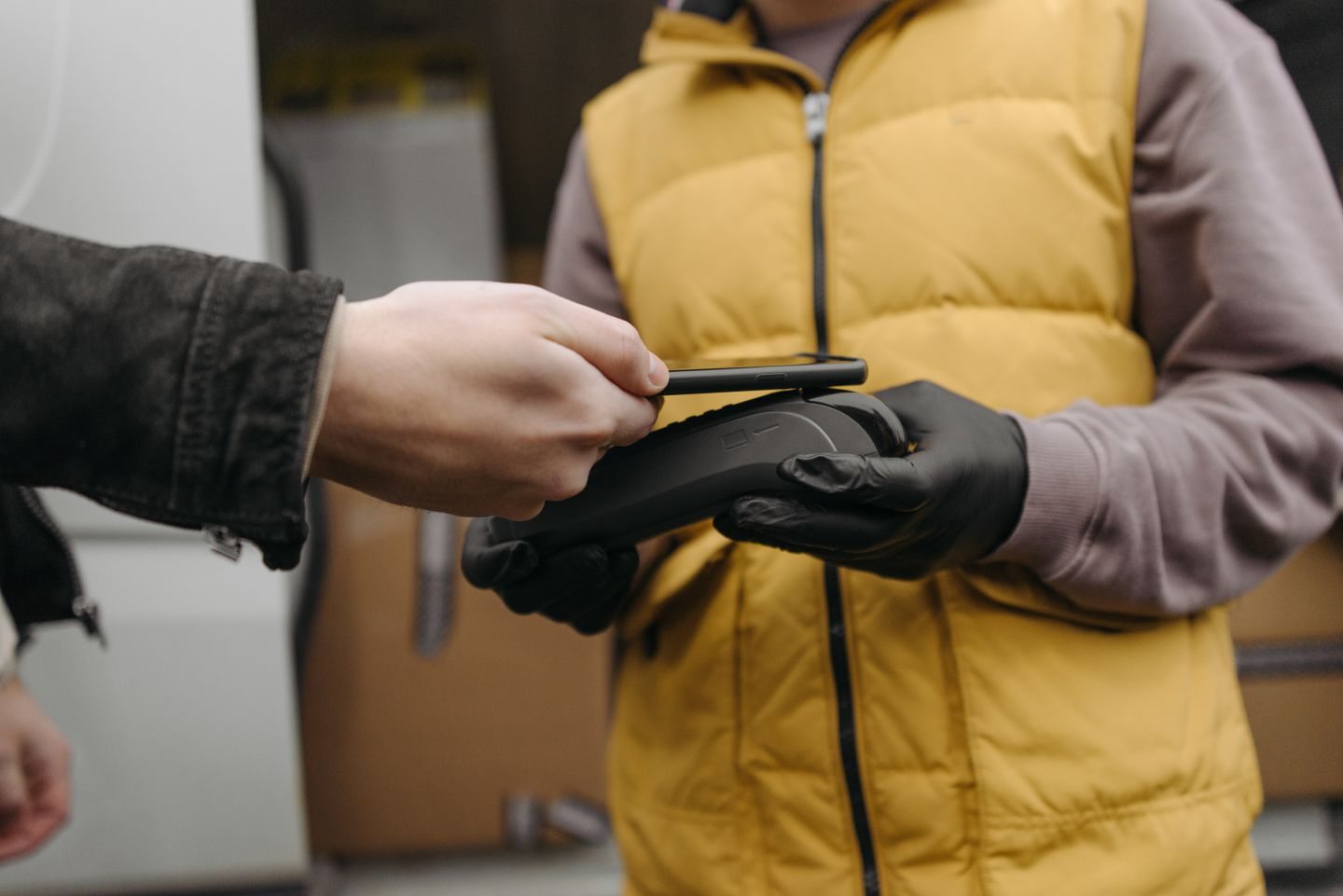
Design mobile service around supported field-payment workflows and test the application on the actual checkout devices.
Choose the service, customer journey and operating tools that fit your business.
Connect supported cellular iPhone and iPad checkout devices, with the SIM or eSIM service prepared for deployment.
Explore this capabilityConfigure access around the POS application and its required services. Validate the payment and checkout journey before rollout.
Explore App WhitelistingAssociate connections with stores and devices. Review activation, service state and usage as the estate changes.
Explore this capabilityConnect onboarding and device replacement to your operating tools. Keep the process clear for store and field teams.
Explore this capabilityGive store teams a clear first point for installation and connectivity guidance, with service lookups and an agreed handover for checkout issues.
Choose the first offer, set up the customer journey and test the service with your team.
Confirm device models, iOS versions, locations and the POS application.
Set up connectivity, required app access and the store-management workflow.
Complete transactions and recovery checks, then hand over store support.
Product management, eSIM delivery, charging and service operations work together across six system areas. Your team chooses the customer experience; Comsand connects the operating platform.
The device needs cellular capability and support for the selected SIM or eSIM service. We check the actual models and POS application before rollout.
Your payment provider and security team manage the payment environment and PCI requirements. SafeRetail supplies connectivity and the agreed application access policy.
Yes. Link services to store and device references, and agree the usage views, replacement process and support handover for the estate.
Tell us about your devices, POS application and store locations.
Discuss your launch